Call Me Ballbert
One finger, one ball, one very dramatic hero. Don't let him fall.

About this game
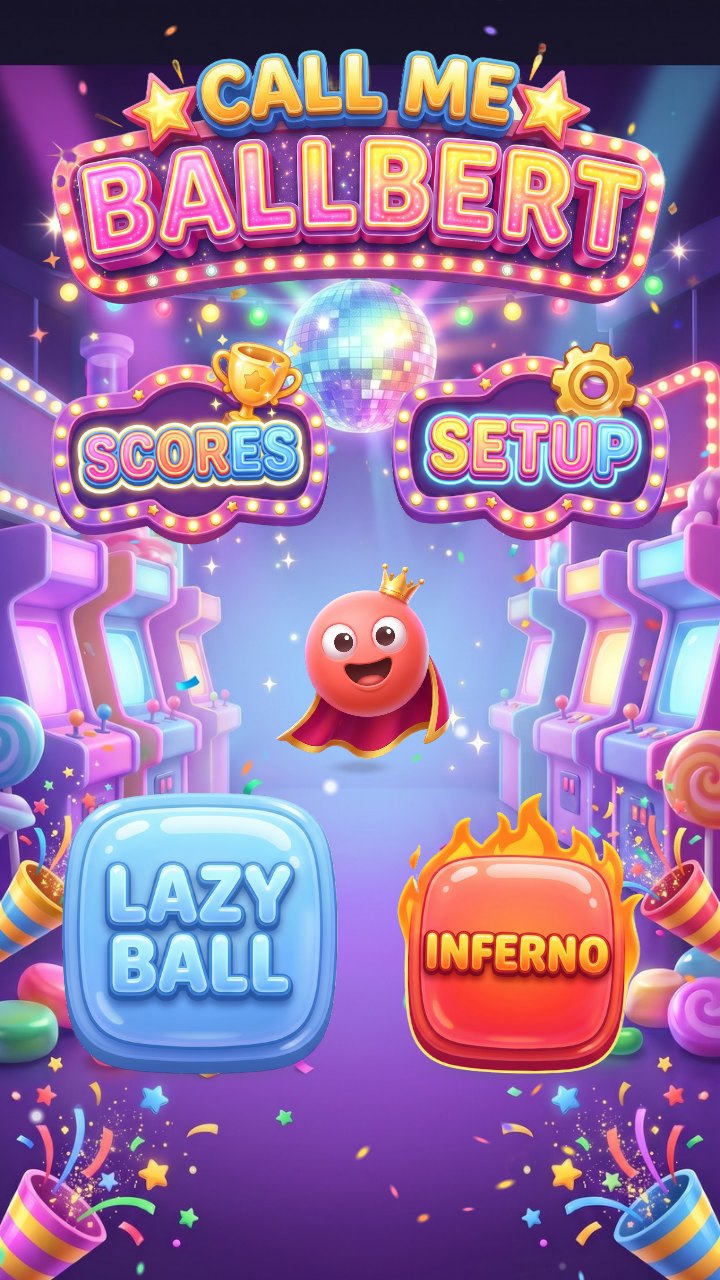
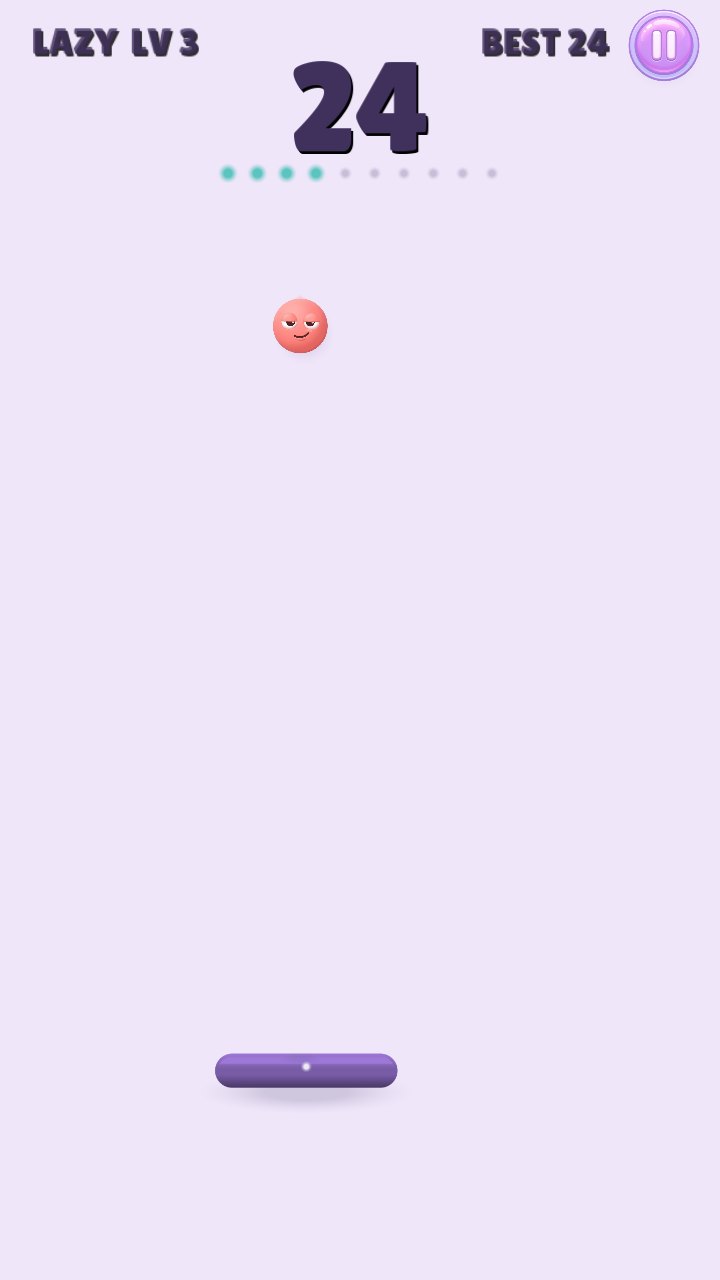
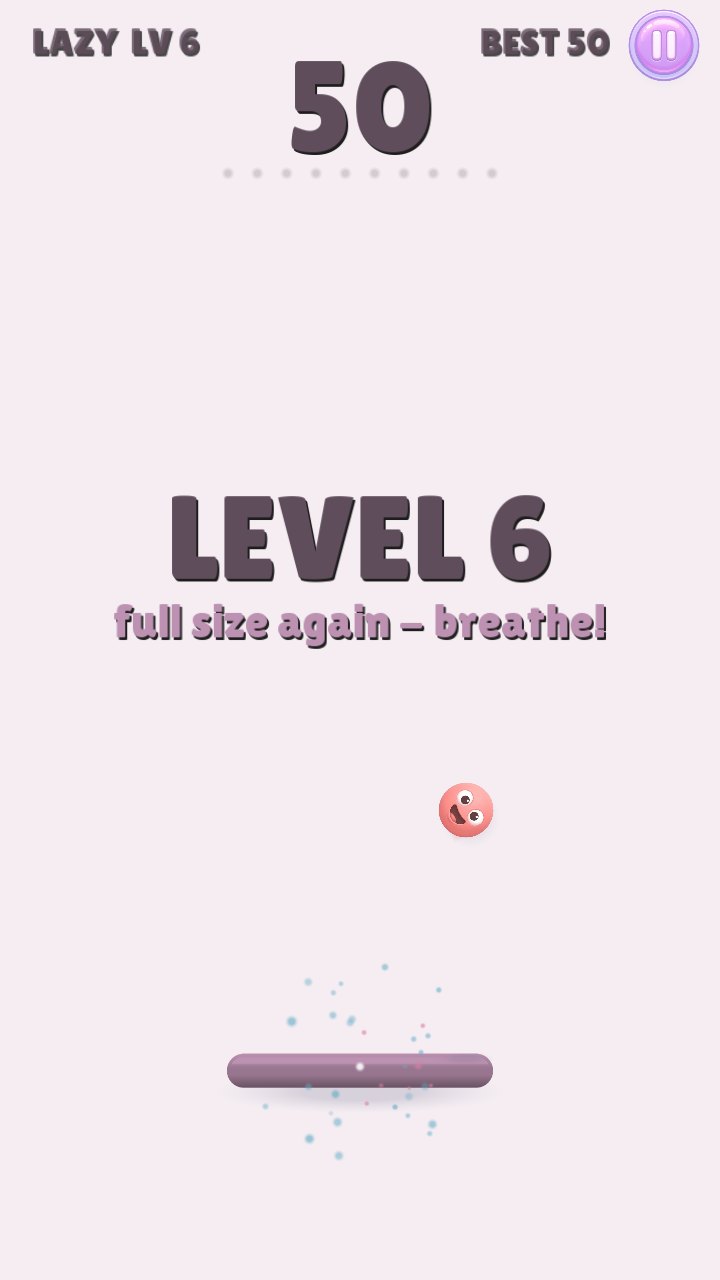
Ballbert is a ball. He has a crown, a cape and a very big opinion of himself. Your job is simple: don't let him fall. Drag anywhere on the screen to slide the platform left and right. Where he lands sets where he flies: the middle sends him straight up, the edges send him off to the side.
Every 10 bounces the platform shrinks and Ballbert speeds up. Level 6 gives you a breather at full size, then it gets harder again, and from level 21 every level is a surprise, with a few easier ones so you can catch your breath.
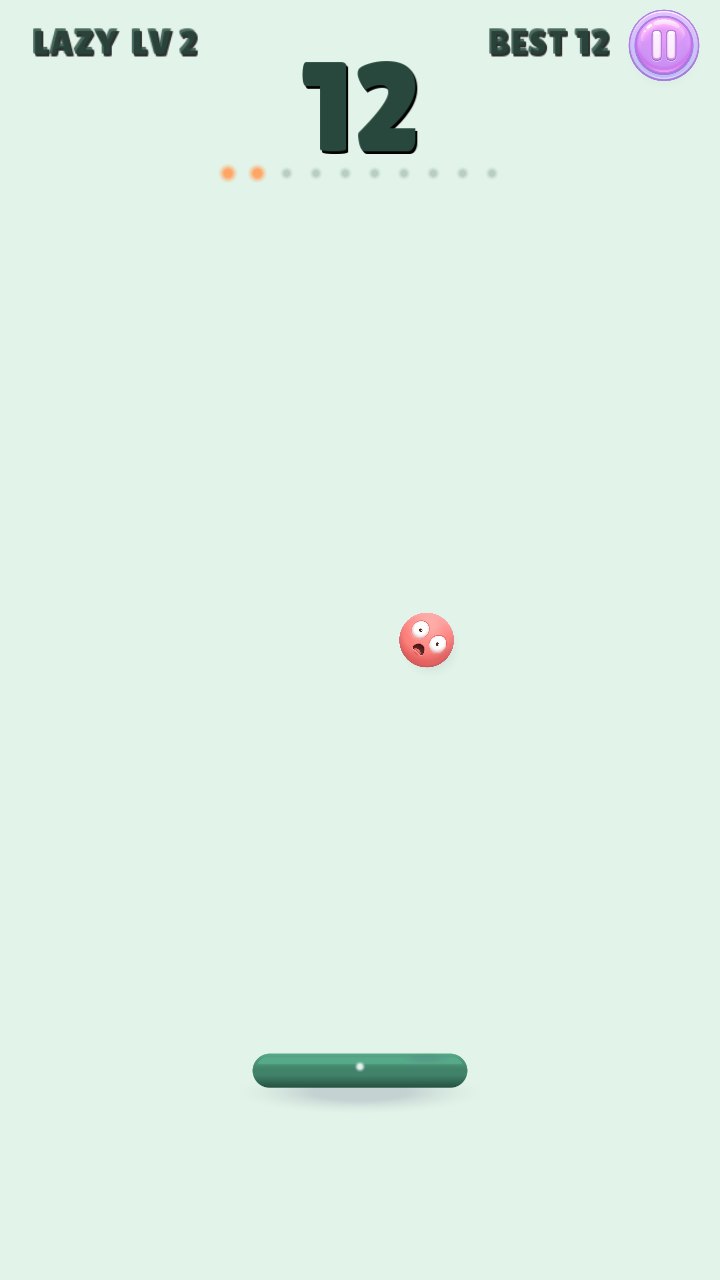
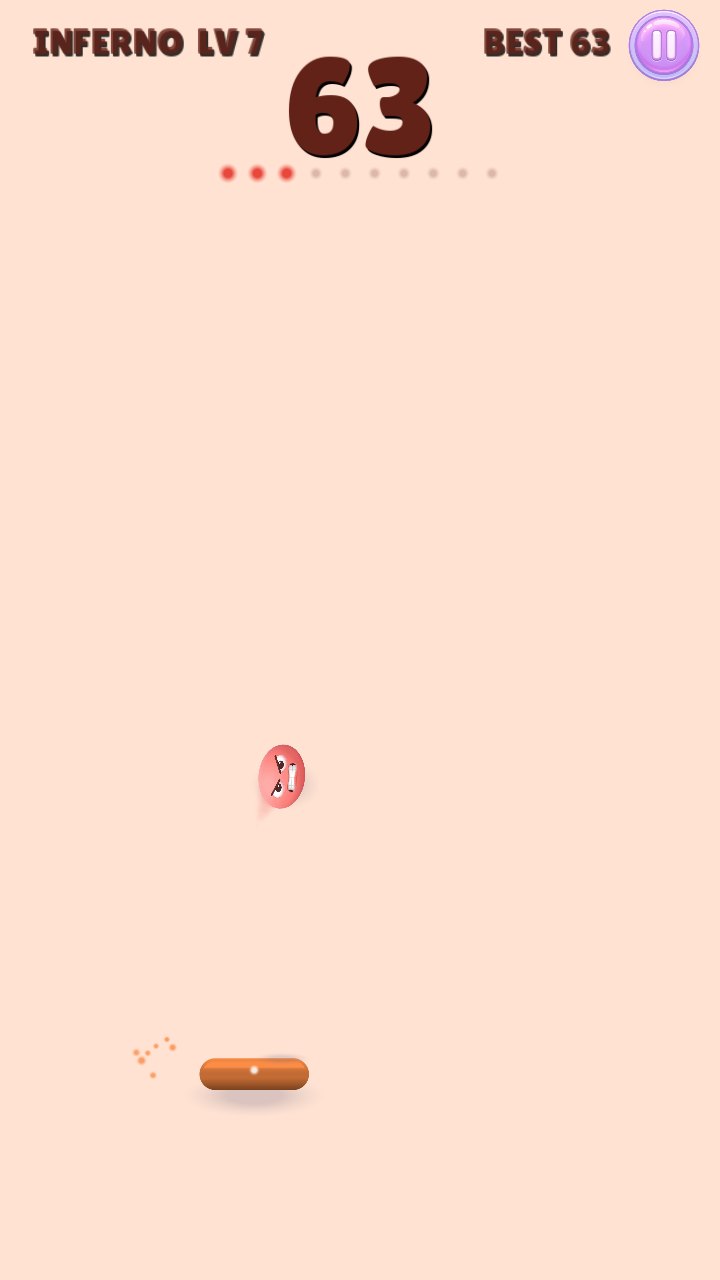
Catch him on the edge or swipe fast underneath him and he starts to spin. Spin him hard enough and he screams, and after a really big spin he mutters something rude (bleeped, of course). Pick a nickname and a funny avatar and see where you stand on the world leaderboard.
- One finger: drag to move the platform. Easy to pick up, really hard to put down.
- Two modes: Lazy Ball, the classic, and Inferno: half the platform, twice the speed.
- Spin him: Ballbert's face spins with him, from a smile to a scream, and he has a word or two to say about it.
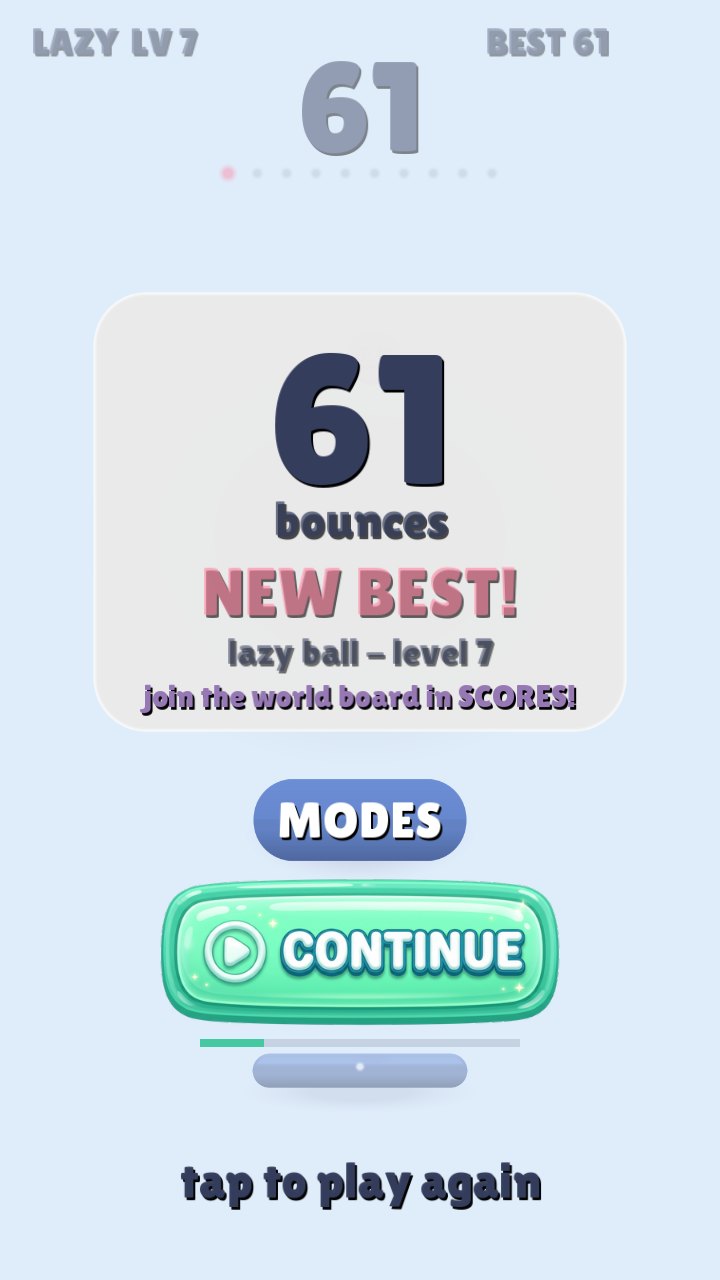
- World leaderboard: every player listed, not just the top 10: all time, this week and today, the world or your country, with search.
- Fair to players: no ads during play and no banners. One optional video continue per run, only if you want it. Plays offline.
How far we are
The game is done and the closed test was sent to Google for review on 6 November 2026. Once it's approved, Google needs 12 testers to keep it installed for 14 days before the game can go public, so every tester really helps.
Done
- Bouncing, levels and the two modes
- Ballbert's faces, spins, voice and music
- The world leaderboard with nicknames and avatars
- Signed release build and the Google Play listing
- Closed test sent to Google for review
Next on the plate
- Google's review of the closed test
- 12 testers for 14 days
- Opening it to everyone on Google Play
What you need
Android
- 64-bit Android phone or tablet, portrait
- About 200 MB free space
- A Google account to join the Play test
How to join the test
- Open the tester group and tap Join group. Use the Google account that's on your Android phone or tablet.
- Open the test page with the same account and tap Become a tester.
- Tap download it on Google Play and install it like any other app. It can take a few minutes after joining before Google Play shows it.
- Keep it installed for at least 14 days and play now and then. Google counts testers only while they stay in.
- Found a bug or have an idea? Email [email protected] or use Send feedback on the game's Google Play page.