The Thief of Tockwick
Borrow time. Cross the city. Reach Tilly.
About this game
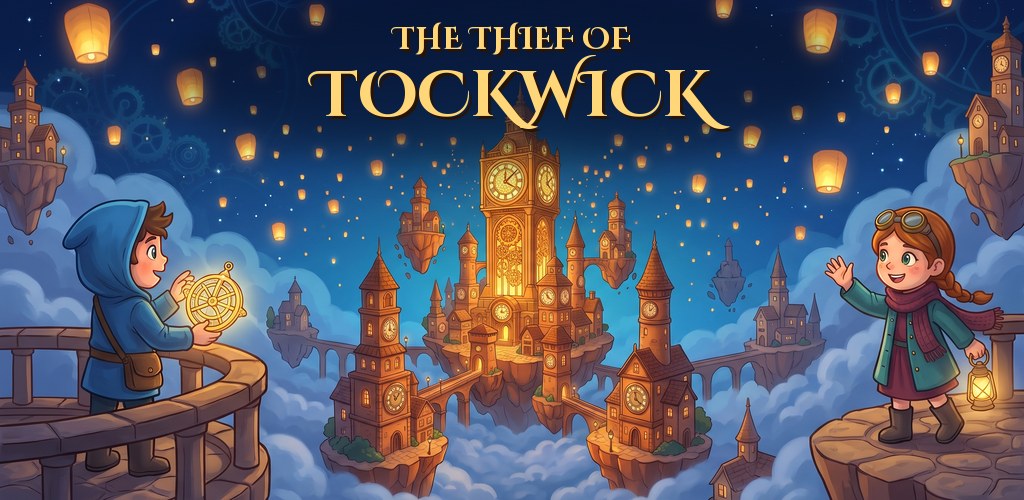
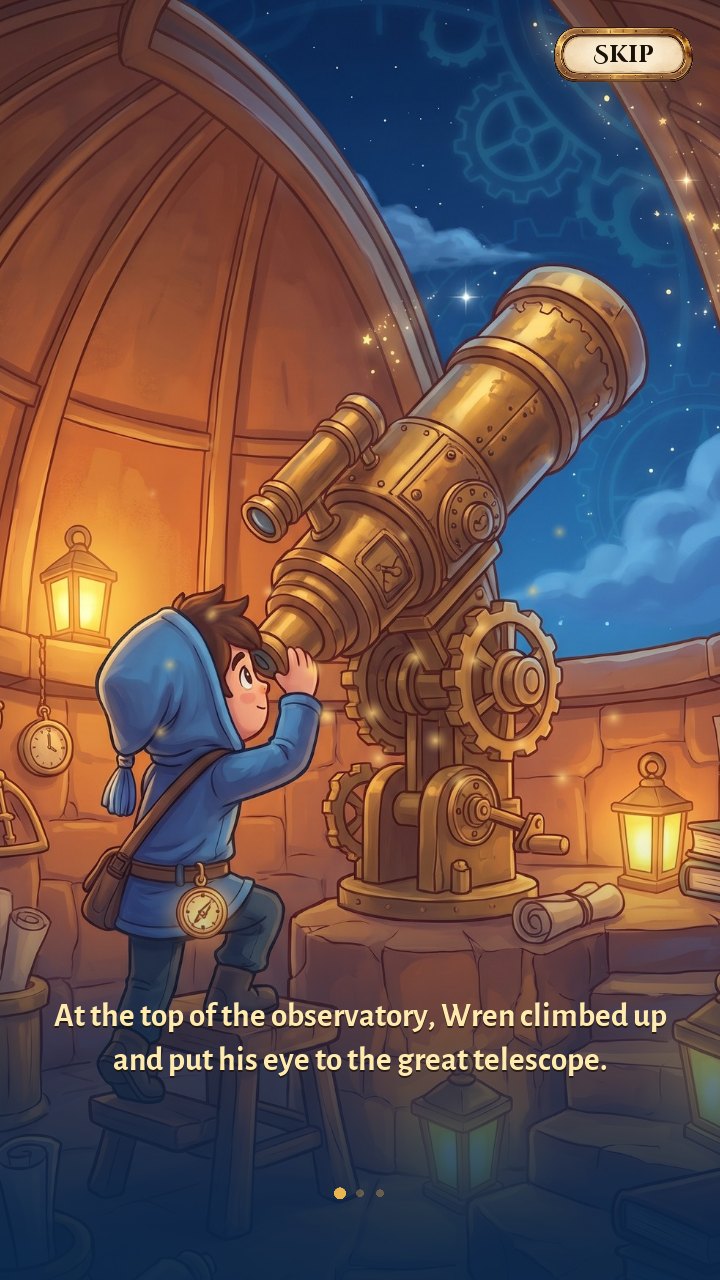
High above the clouds lies Tockwick, the city of a thousand clocks. Every lantern night, Wren and Tilly meet under the Great Clock. But this year, at the twelfth stroke of midnight, the Great Clock broke: time cracked, the city drifted apart, and the two friends were left on opposite sides.
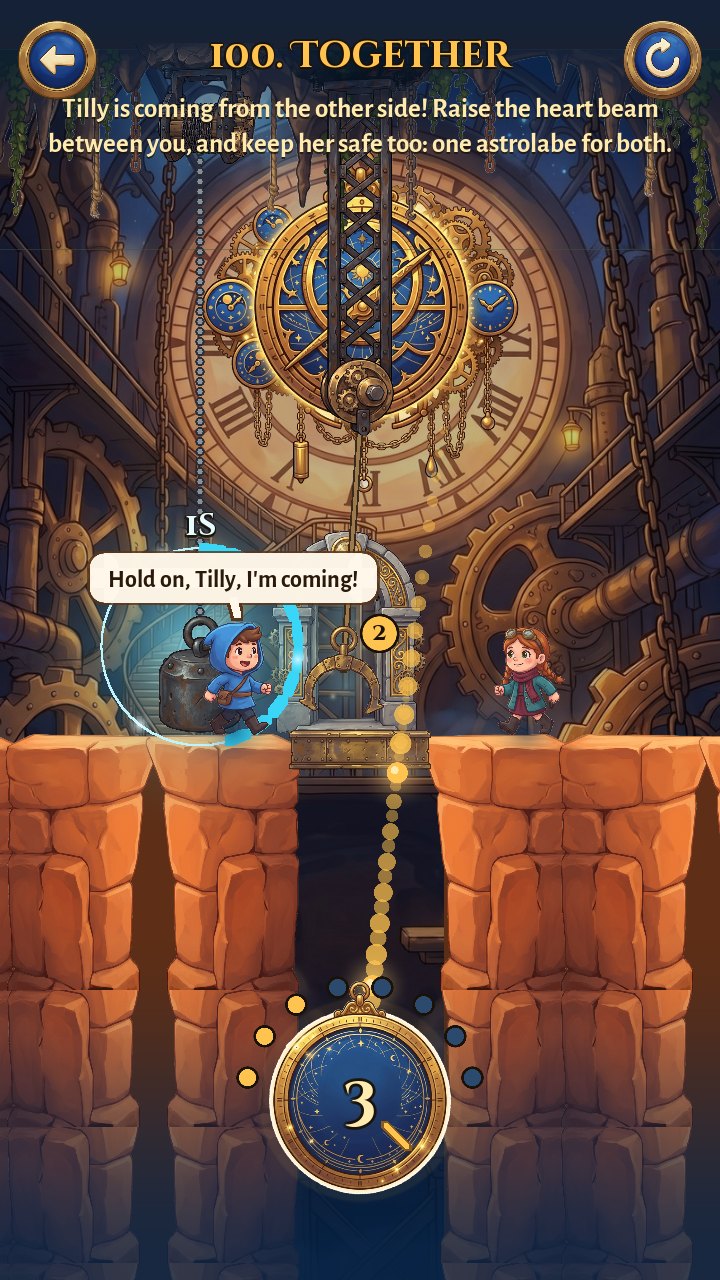
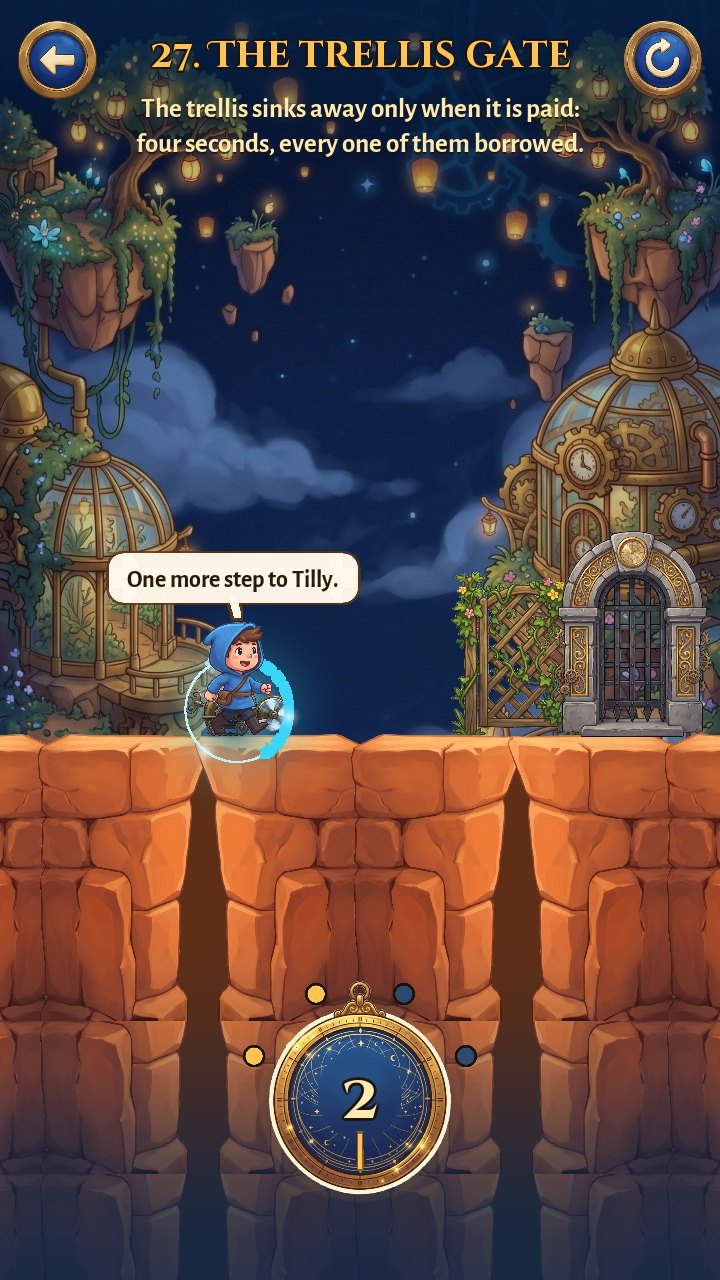
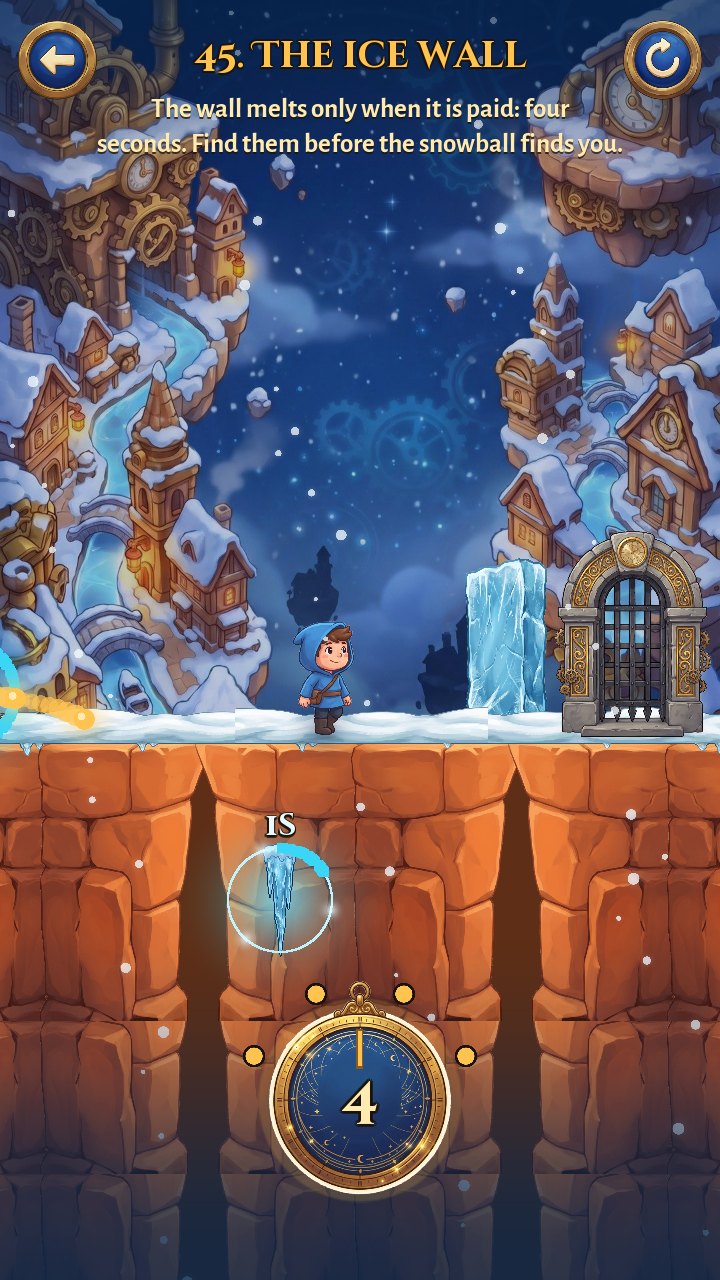
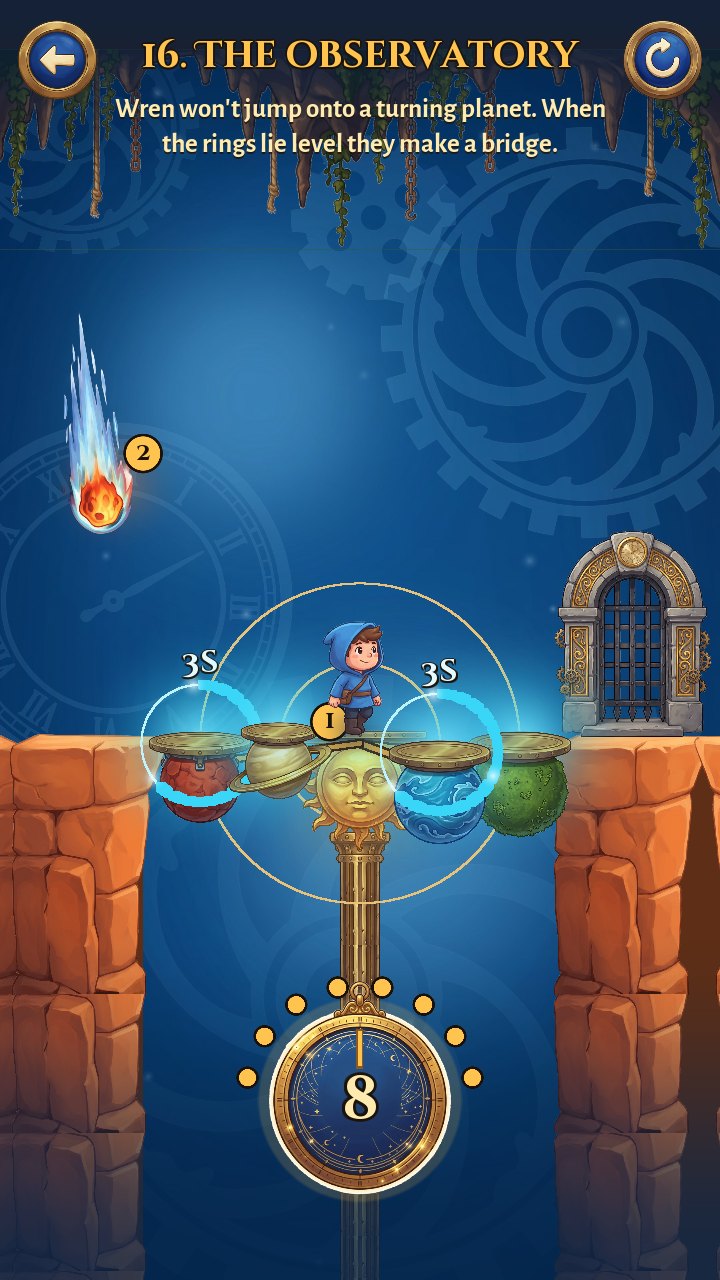
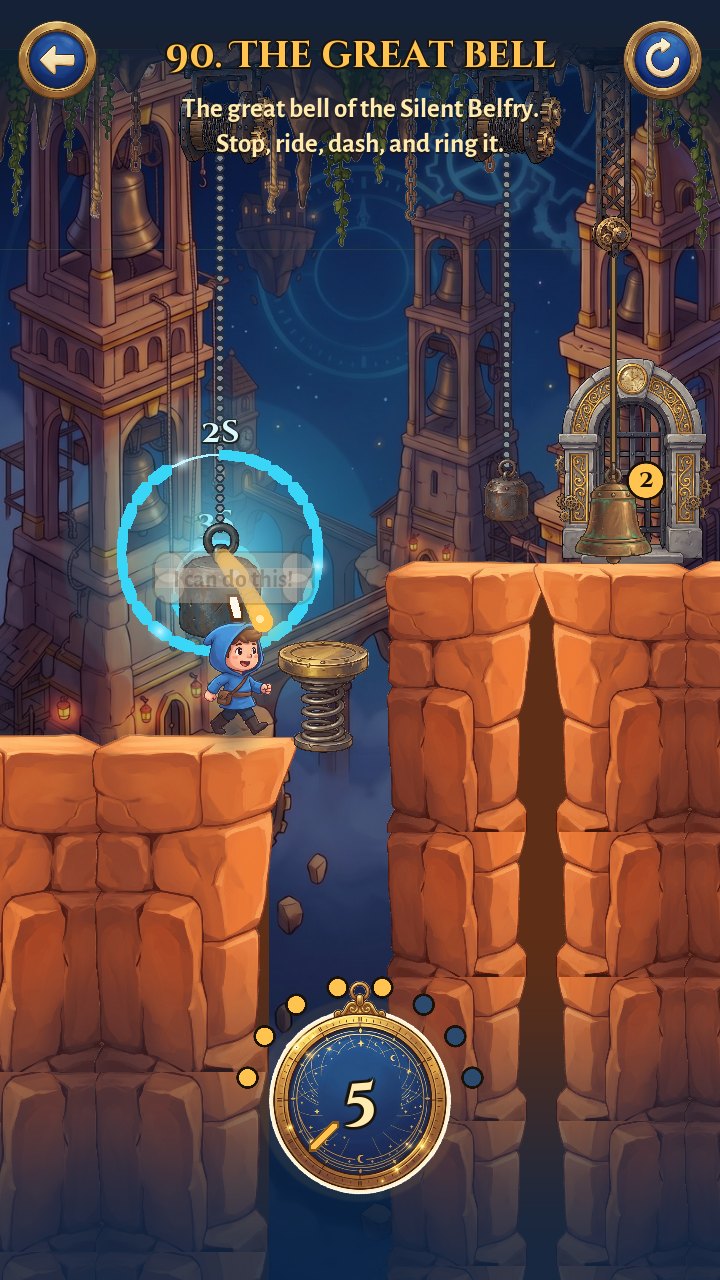
All Wren has is the little astrolabe Tilly made for him. Tap a swinging pendulum, a falling icicle or a racing train to borrow its seconds and freeze it in place; pour those seconds into a lift, a gate or a bloom and it moves for you. Wren walks on by himself, so it's all about timing: when time stops, and where it goes.
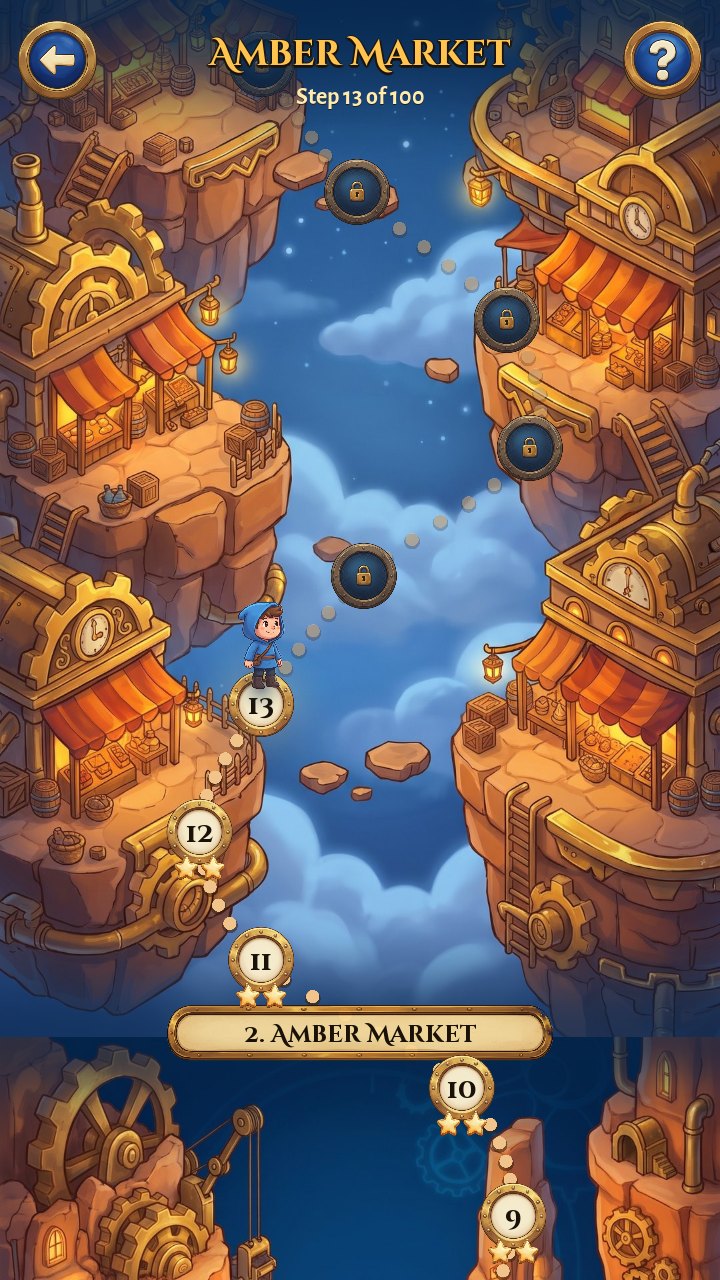
A hundred puzzle rooms across ten districts, from the Cobalt Cliffs and the Frozen Canal to the Night Rail, the Star Observatory and the Silent Belfry, and between them a storybook told by a British narrator, all the way to the Heart of Tockwick, where Tilly is waiting.
- Borrow time, pay it back: freeze anything that moves, then give its seconds to something else.
- 100 rooms, 10 districts: each district with its own idea: blooms, presses, ice, windmills, trains, planets, bells.
- A little love story: a narrated storybook between the districts, and a finale where Tilly walks in to meet him.
- Easy or Hard: slow the whole world down, or play it at full speed.
- Never stuck: "Show me how" plays the solution with a guiding hand.
How far we are
All 100 rooms, the story and the ending are done, and the closed test on Google Play is open. Google needs 12 testers to keep it installed for 14 days before the game can go public, so every tester really helps.
Done
- The time-borrowing puzzles and Wren's dash
- 10 districts, 100 rooms and the finale with Tilly
- The narrated storybook and the ending
- Easy and Hard, Show me how
- Signed release build
- Closed test approved by Google
Next on the plate
- 12 testers for 14 days
- Opening it to everyone on Google Play
What you need
Android
- 64-bit Android phone or tablet, Android 10 or newer
- About 200 MB free space
- A Google account to join the Play test
How to join the test
- Open the tester group and tap Join group. Use the Google account that's on your Android phone or tablet.
- Open the test page with the same account and tap Become a tester.
- Tap download it on Google Play and install it like any other app. It can take a few minutes after joining before Google Play shows it.
- Keep it installed for at least 14 days and play now and then. Google counts testers only while they stay in.
- Found a bug or have an idea? Email [email protected] or use Send feedback on the game's Google Play page.