Pencil Paper Clash
Tiny pencils. Crumpled ammo. Absolutely no adult supervision.
About this game
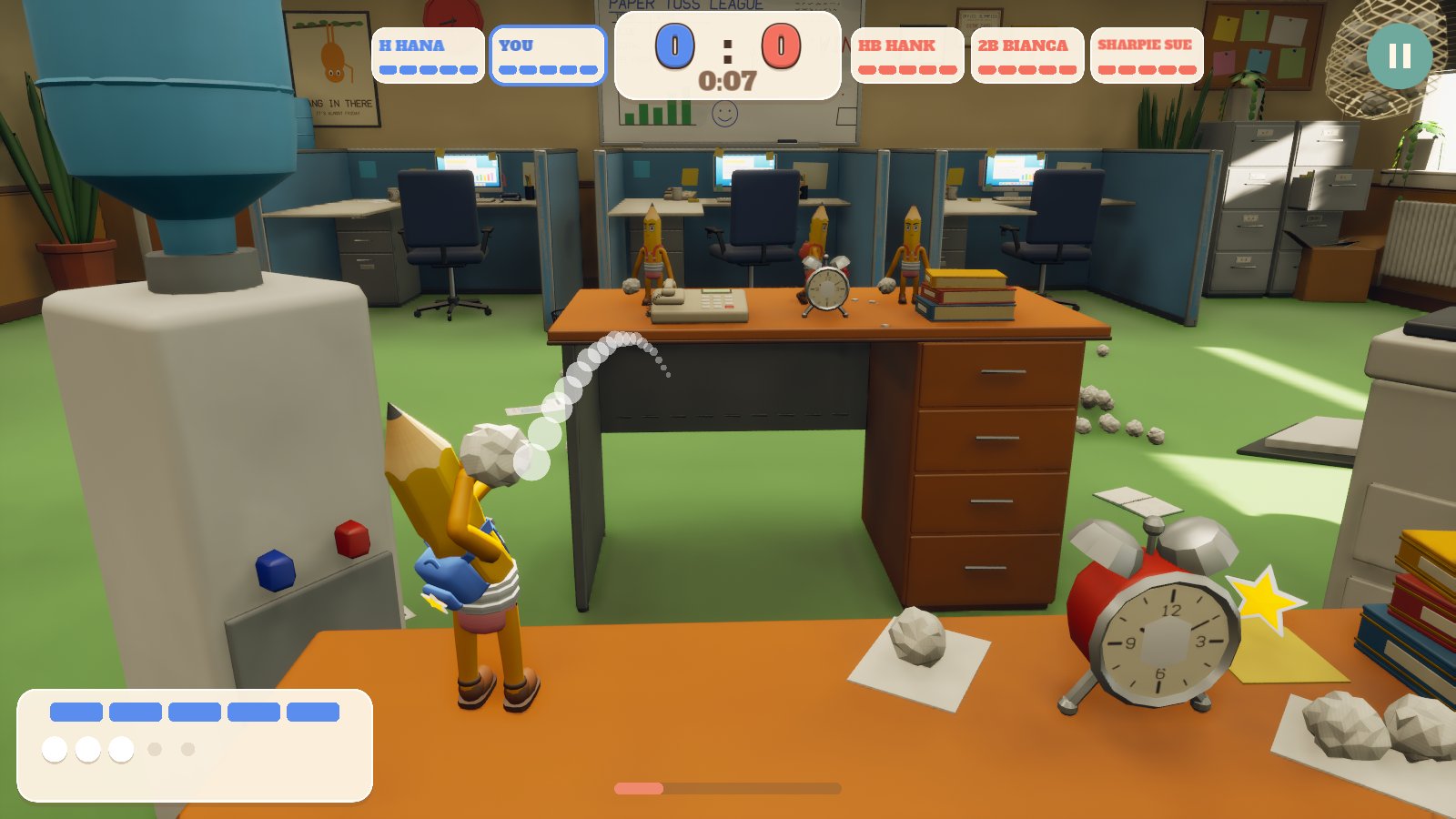
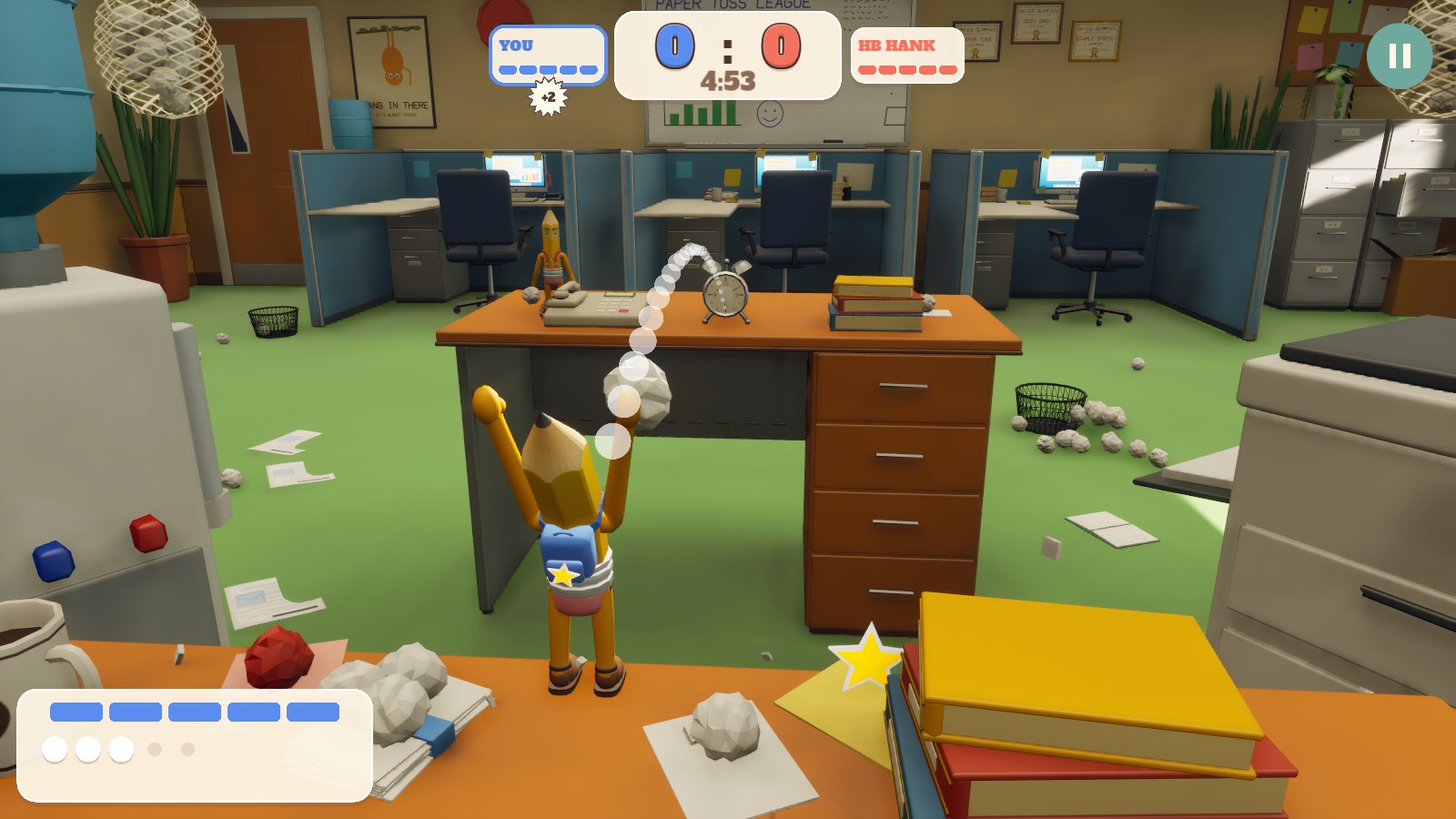
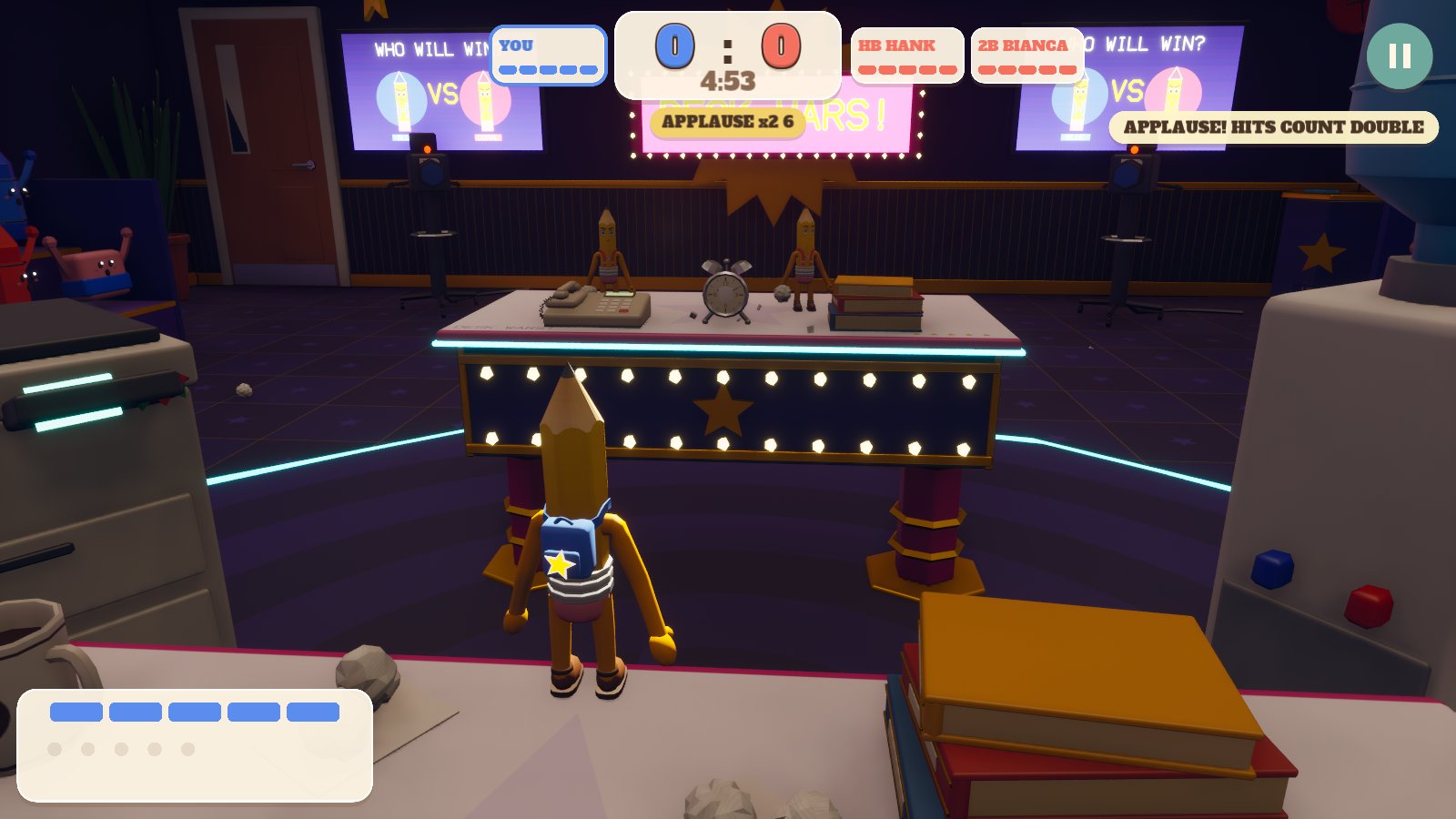
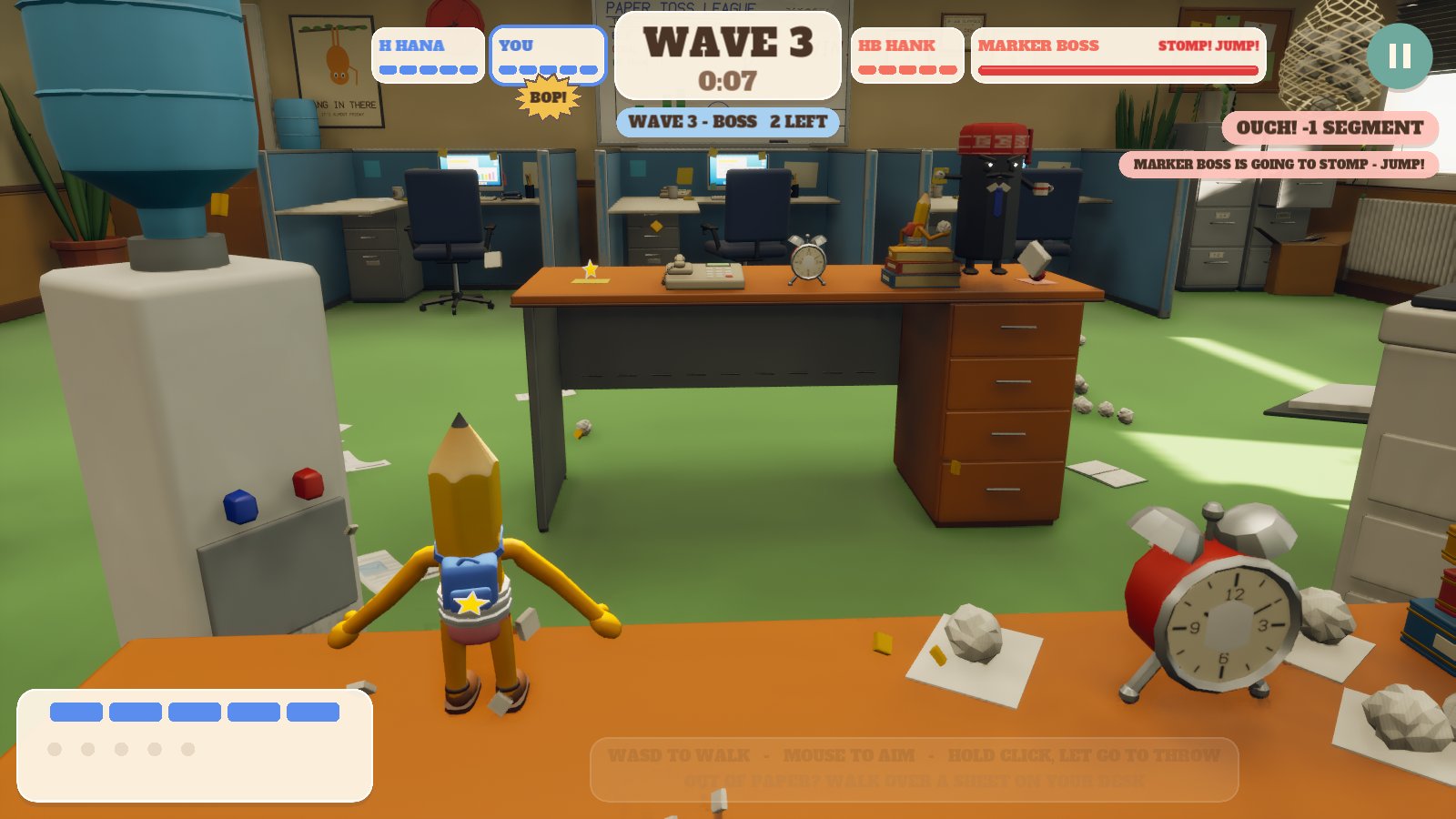
Two teams of pencils, two desks and a lot of crumpled paper. Hold to aim, watch the see-through line show where the ball will go, and let go. Every hit takes a bit off your rival, and five hits knock a pencil flat.
Paper lies about on your desk: walk over a sheet to scoop up its balls. Some give one, some two, a whole stack fills your pouch, red sheets hide a bomb and gold stars a special ball. Duck behind books and office clutter, knock it flat, and use whatever the room throws at you.
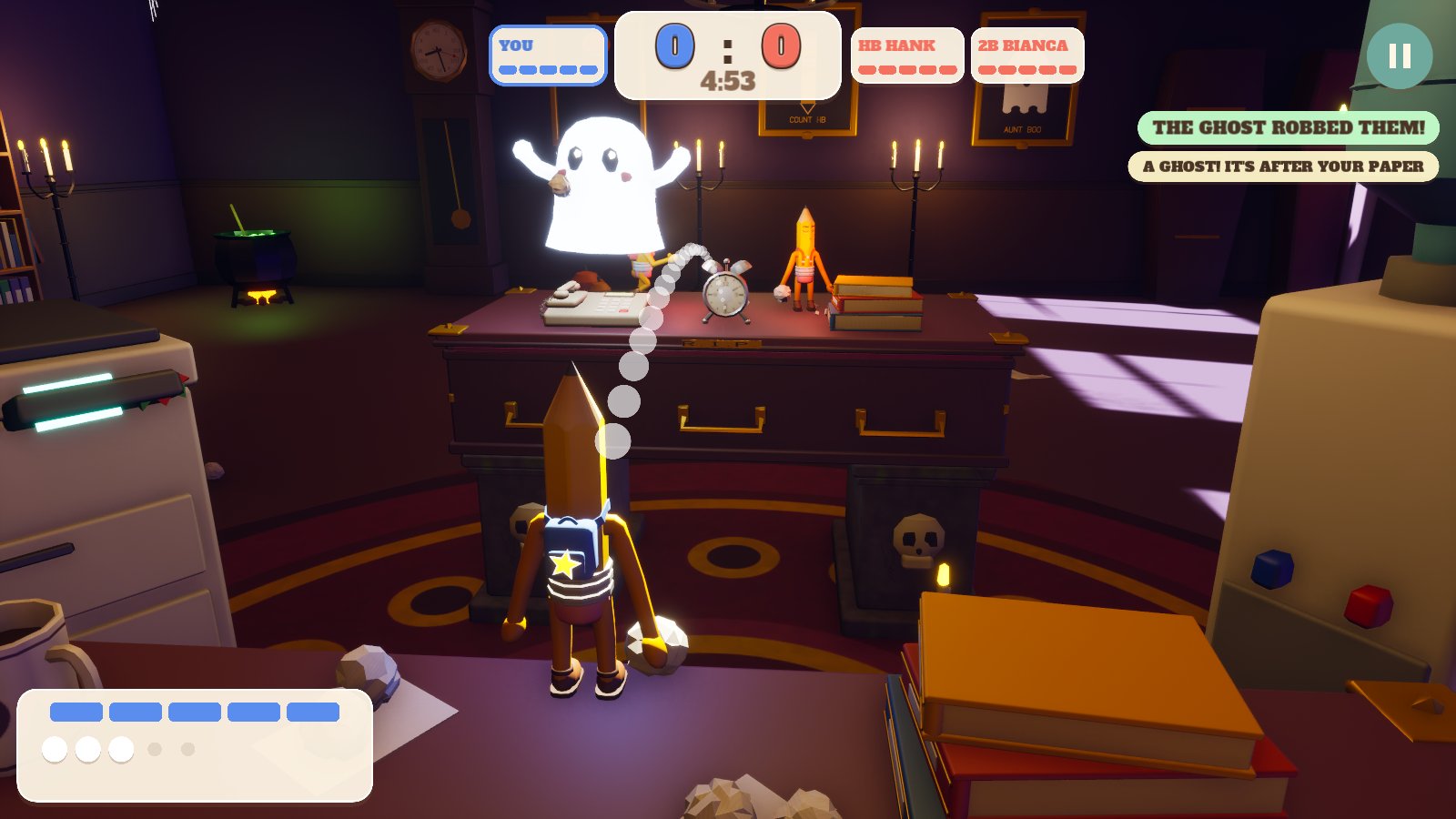
- Six rooms with a twist: office, school and a haunted room to start, then a hospital, police station and TV studio to unlock. Spilled coffee, a teacher who hands out detention, a ghost that steals balls, runaway beds, a siren that makes someone WANTED and an audience whose applause makes hits count extra.
- Special balls: paper planes that home in, triple shots, giant balls that flatten cover, glue, bouncy balls and eraser bombs.
- Moves: jump, dodge roll, duck, charged super throws and catching balls to throw them back.
- A tutorial that shows you: every move is played out first, with a ghost thumb on the phone controls or the keys and mouse lighting up on PC, then it's your turn.
- Gadgets: fans, sprinklers, printers, the room lights, desk lamps, alarm clocks and air coolers, for you and the computer pencils to use.
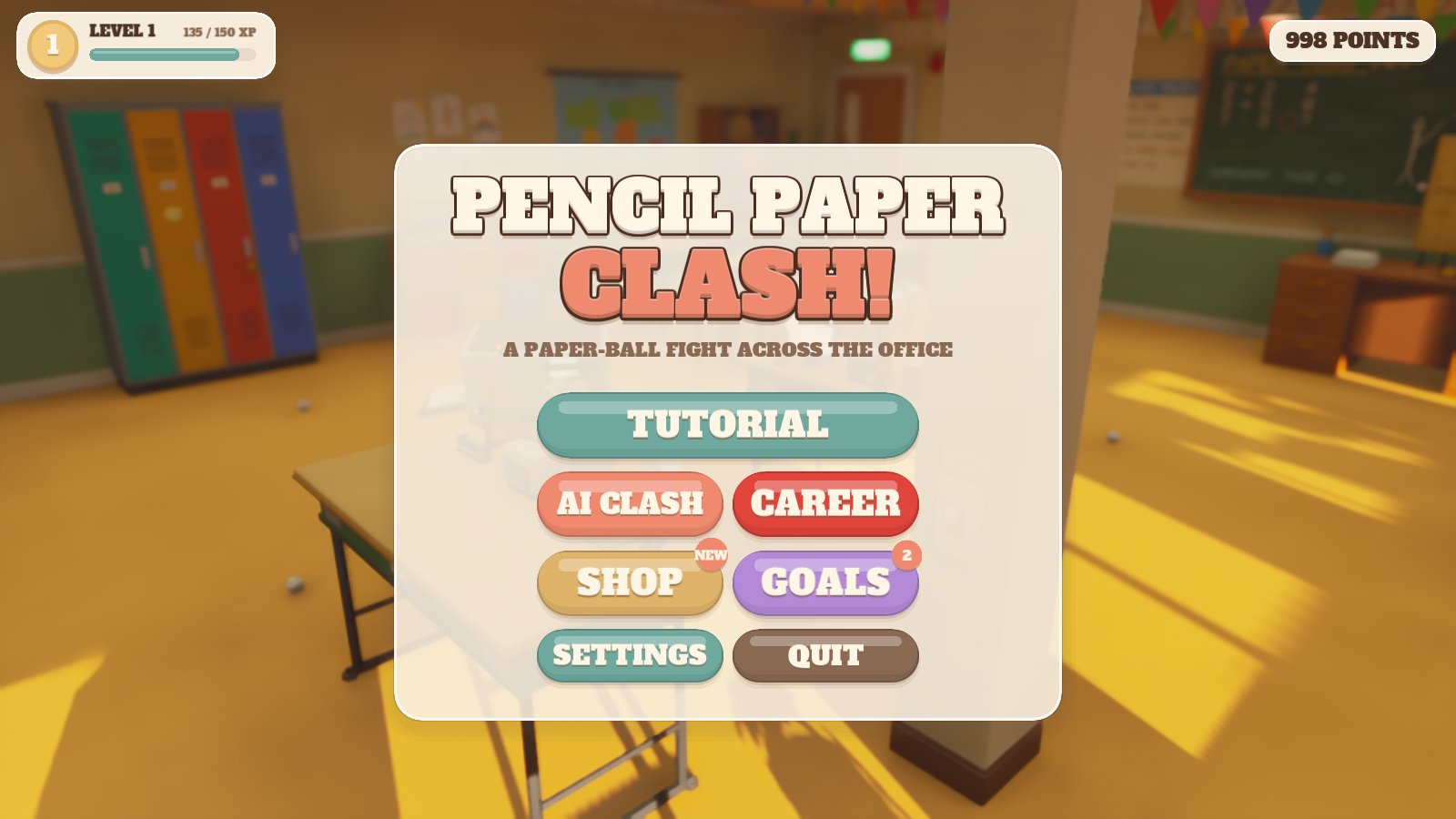
- Modes: best-of-three duels, King of the Desk, Capture the Eraser, Survival waves with a Marker Boss, a six-room Career and Party chaos.
- Online duels: one on one with a friend anywhere: one of you hosts, the other types the 4-letter room code. Best of three rounds.
- Weekly leaderboards: this week's points and online wins from everyone, under a funny made-up name like Sneaky Stapler 42. A new race every Monday.
- Shop and goals: hats, skins, paper styles, trails, dances, voices and rooms, all earned by playing, plus goals to chase. No real money: an optional short video after a match doubles your points, never forced.
How far we are
Our testers did it: 12 of them kept Pencil Paper Clash installed for 14 days. We applied to Google on 2 November 2026 to open it to everyone, so it's coming soon to Google Play.
Done
- Six rooms, special balls, gadgets and modes
- A tutorial that plays every move first
- Shop, goals, awards and the collection book
- One-on-one online duels with a room code
- Weekly leaderboards
- Signed release build and the Google Play listing
- 12 testers for 14 days in the closed test
Next on the plate
- Google opens it to everyone on Google Play
Player reviews
What you need
Android
- 64-bit Android phone or tablet
- About 400 MB free space
- A Google account to join the Play test, or install from file allowed in settings
- On a PC: Android games can be played with Google Play Games for PC, once Google lists the game there
How downloading works
- Ask with the short form under the pictures.
- Get a code by email once Filip has approved it. Can't see it? Check your spam or junk folder.
- Enter the code here and the download starts.
How to install
The game isn't in an app store yet, so your phone or PC asks a couple of extra questions. That's normal.
Android
- If your browser asks whether to keep the file, tap Download anyway.
- When it's finished, tap the download notification, or open Files → Downloads and tap the .apk file.
- If the phone says it can't install unknown apps, tap Settings, switch on Allow from this source, then go back.
- Tap Install. If Play Protect warns you, tap More details → Install anyway. It asks only because the game isn't from the Play Store.
- If it still won't install, open the .apk with your phone's own app instead of Google Play: App Market or Files on Honor and Huawei, My Files on Samsung. Or turn off Play Store → your profile → Play Protect → ⚙ → Scan apps for a moment, install, and turn it back on.
- Tap Open, or find the game with your other apps.