Spring Football
Vintage Czechoslovak spring table football
About this game
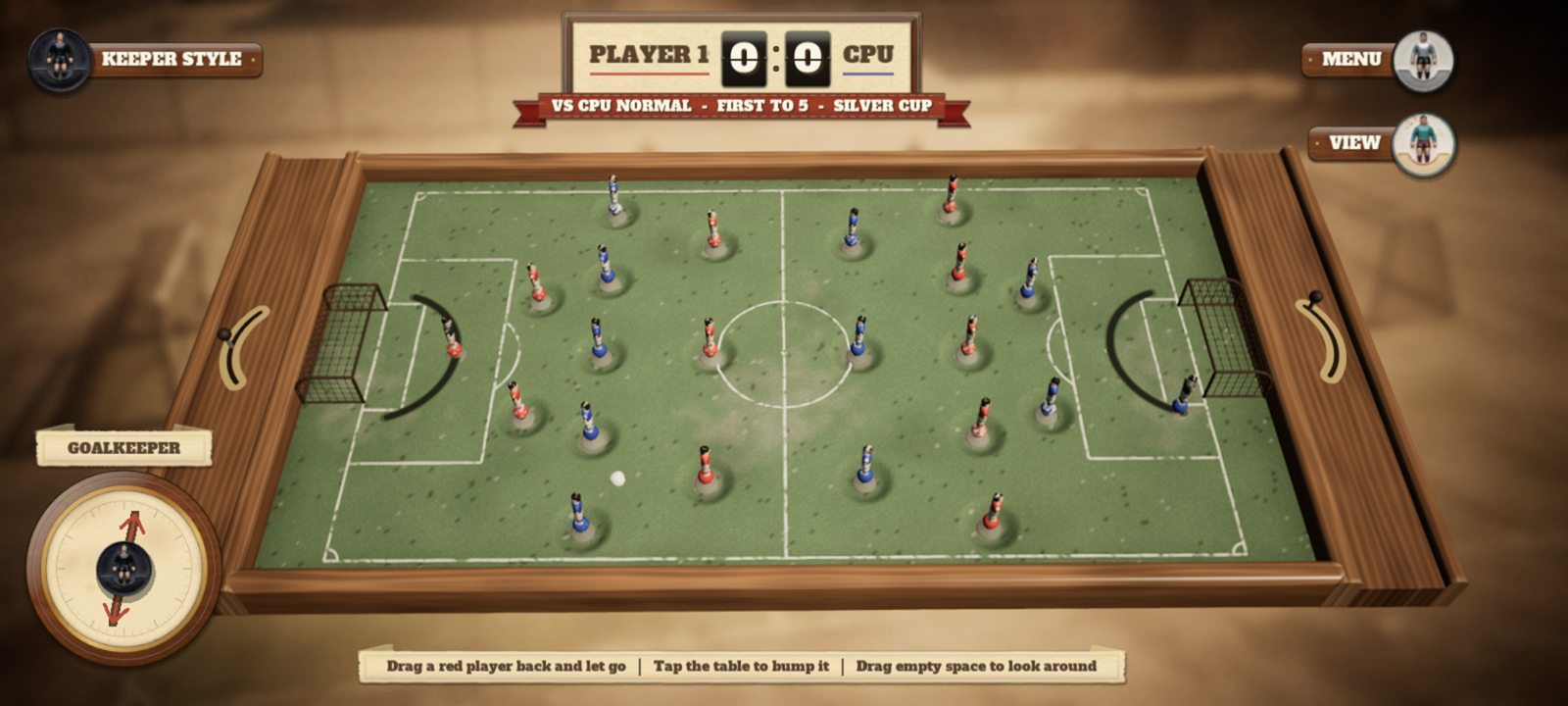
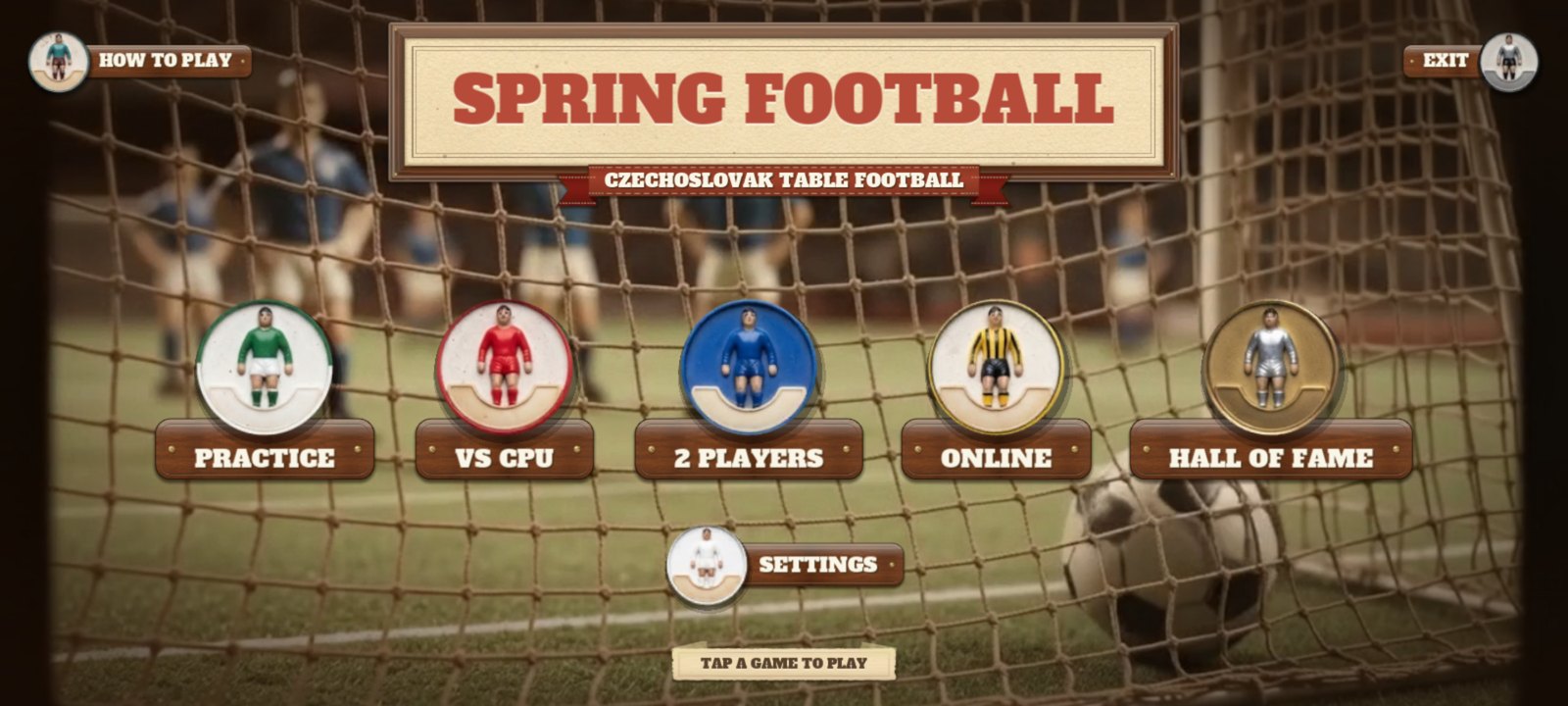
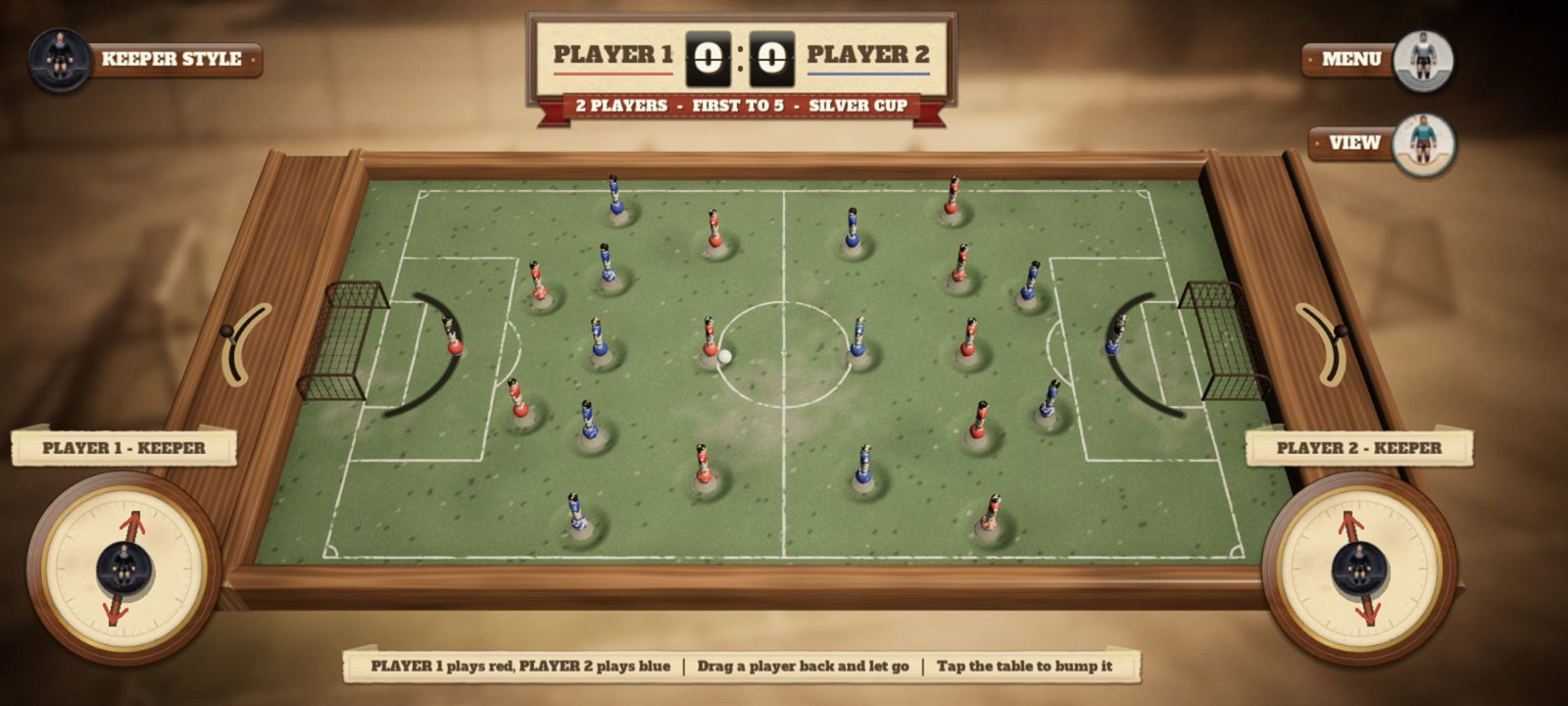
Remember the wooden football table with little metal players on springs? Spring Football brings it back. Grab a player, pull him back like a slingshot and let go: he snaps forward and kicks the ball.
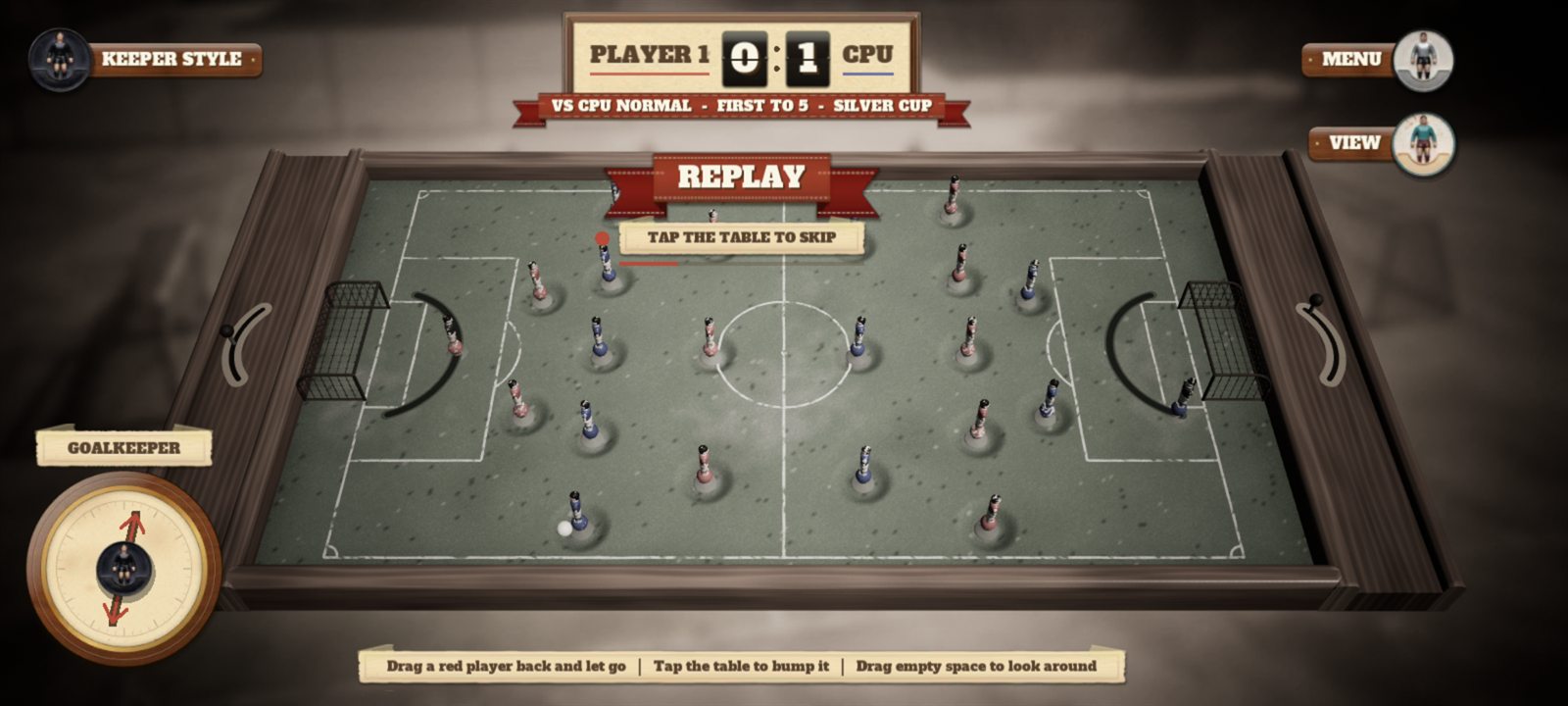
Play a quick practice, take on the computer, share one screen with a friend, or play online against someone far away. Goals get an old-film replay, and the best results go into the Hall of Fame.
New in 1.0.2, the first version for Google Play: a tidier menu made for phones (VS CPU and 2 PLAYERS open their own little sheet, the rest waits under SETTINGS), online matches through a new free server, the match pauses when you leave the app, and two optional short videos on Android: keep your win streak after losing to the computer, or play one match with the ball path shown. Never during a match, never forced.
- Real spring physics: every player rocks on his spring, so power and aim come from how far and which way you pull.
- Two keeper styles: the sliding keeper on his lever, or the stable keeper who dives left and right.
- Play your way: practice, vs CPU with three difficulty levels, two players on one screen, or online.
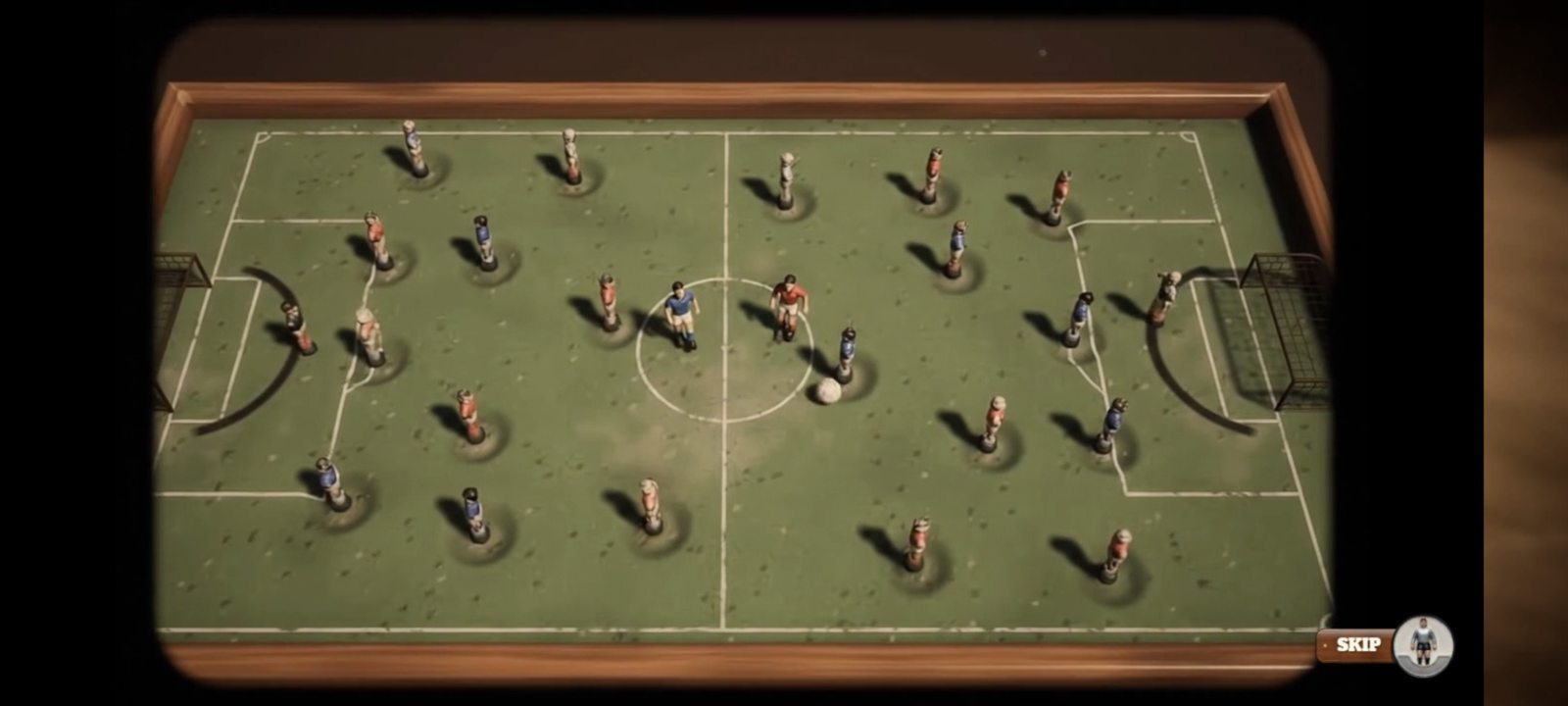
- Old-film replays: every goal comes back in sepia, like a match from the seventies.
- Hall of Fame: cups, penalties and records saved on your device. Next update: weekly leaderboards for wins against the computer and online wins, under a funny made-up name.
How far we are
Google asked for 14 more days of testing before Spring Football can go public (5 November 2026), so the closed test is open again. Testers who play it now and then and tell us what they think really help.
Done
- Spring physics, two keeper styles and the computer opponent
- Two players on one screen and online matches
- Old-film replays and the Hall of Fame
- A menu made for phones
- Signed release build and the Google Play listing
- A first 14-day closed test
Next on the plate
- 14 more days of testing, with updates from tester feedback
- Opening it to everyone on Google Play
- Weekly leaderboards in the next update
Player reviews
What you need
Android
- 64-bit Android phone or tablet, Android 8 or newer
- About 250 MB free space
- A Google account to join the Play test, or install from file allowed in settings
- On a PC: Android games can be played with Google Play Games for PC, once Google lists the game there
How to join the test
- Open the tester group and tap Join group. Use the Google account that's on your Android phone or tablet.
- Open the test page with the same account and tap Become a tester.
- Tap download it on Google Play and install it like any other app. It can take a few minutes after joining before Google Play shows it.
- Keep it installed for at least 14 days and play now and then. Google counts testers only while they stay in.
- Found a bug or have an idea? Email [email protected] or use Send feedback on the game's Google Play page.
How downloading works
- Ask with the short form under the pictures.
- Get a code by email once Filip has approved it. Can't see it? Check your spam or junk folder.
- Enter the code here and the download starts.
How to install
The game isn't in an app store yet, so your phone or PC asks a couple of extra questions. That's normal.
Android
- If your browser asks whether to keep the file, tap Download anyway.
- When it's finished, tap the download notification, or open Files → Downloads and tap the .apk file.
- If the phone says it can't install unknown apps, tap Settings, switch on Allow from this source, then go back.
- Tap Install. If Play Protect warns you, tap More details → Install anyway. It asks only because the game isn't from the Play Store.
- If it still won't install, open the .apk with your phone's own app instead of Google Play: App Market or Files on Honor and Huawei, My Files on Samsung. Or turn off Play Store → your profile → Play Protect → ⚙ → Scan apps for a moment, install, and turn it back on.
- Tap Open, or find the game with your other apps.